When a new project starts, the first move is usually the same. Someone opens Notion, sets up Linear, or creates a Jira board. These tools are well-designed and widely used, and the teams that reach for them are not wrong to do so. The catch comes later.
What happens over time is that the tool's structure starts filling in for a question the team never fully answered: how does work actually flow here? What knowledge needs to be kept? Who needs access to what, and when? Without a clear answer, the tool's defaults take over: boards in Jira, pages in Notion, tickets in Linear. The structure you end up with is the one the tool made easy, not necessarily the one your work requires.
This isn't a critique of any particular tool. It's a point about sequence. The knowledge design comes before the interface. When it doesn't, the interface designs the knowledge by default.
Start with the harder questions
The most common mistake we see isn't choosing the wrong tool. It's skipping the questions that should come before any tool choice.
What does your team actually need to remember between projects? Where does knowledge get lost during handoffs? Which decisions get made in conversation and never written down? What do new contributors need in their first week that isn't already in the README?
These questions don't get answered by picking a tool. They need to be answered first. Once they are, the right format for each type of knowledge becomes obvious. And so does the interface.
The most useful first step is writing a plain-language description of your project before committing to any system. If you can't describe the work clearly in a document, the workflow isn't defined well enough yet. Writing it first reveals gaps that choosing a tool usually papers over.
Three audiences, three formats
When we worked through what a project knowledge base actually needs to do, we kept arriving at the same three readers.
The agent. AI tools need context in a format they can parse reliably. Markdown fits here: flat files, readable as text, living in the repository alongside the code. This is where workflow rules go, task files, decision records, anything the agent needs to understand how work happens on this project. It reads these files every session with no setup required.
The data layer. Structured information belongs in JSON: backlog items, task states, priorities, owners, and cross-references to design documents. Lightweight, no backend, machine-queryable, version-controlled. When the backlog is a JSON file, it belongs fully to the team: diff it in git, consume it with any tool, hand it to any system that needs it.
JSON works well at team scale. A few hundred backlog items is comfortable; a few thousand starts to slow. If the data grows to where multiple people need to write concurrently, or relational queries become a regular need, SQLite is the natural next step: the same "file you own" principle, but with SQL support and better performance at scale.
The human. Decision-makers, contributors, and future team members need something they can open without setup. HTML works here: open it in a browser, no login, no dashboard subscription, no exported PDF that goes stale the moment it leaves the tool. Inspectable source, shareable by URL, readable on any device.
These aren't arbitrary choices. Each format maps directly to what that reader does with the information.
What this looks like in practice
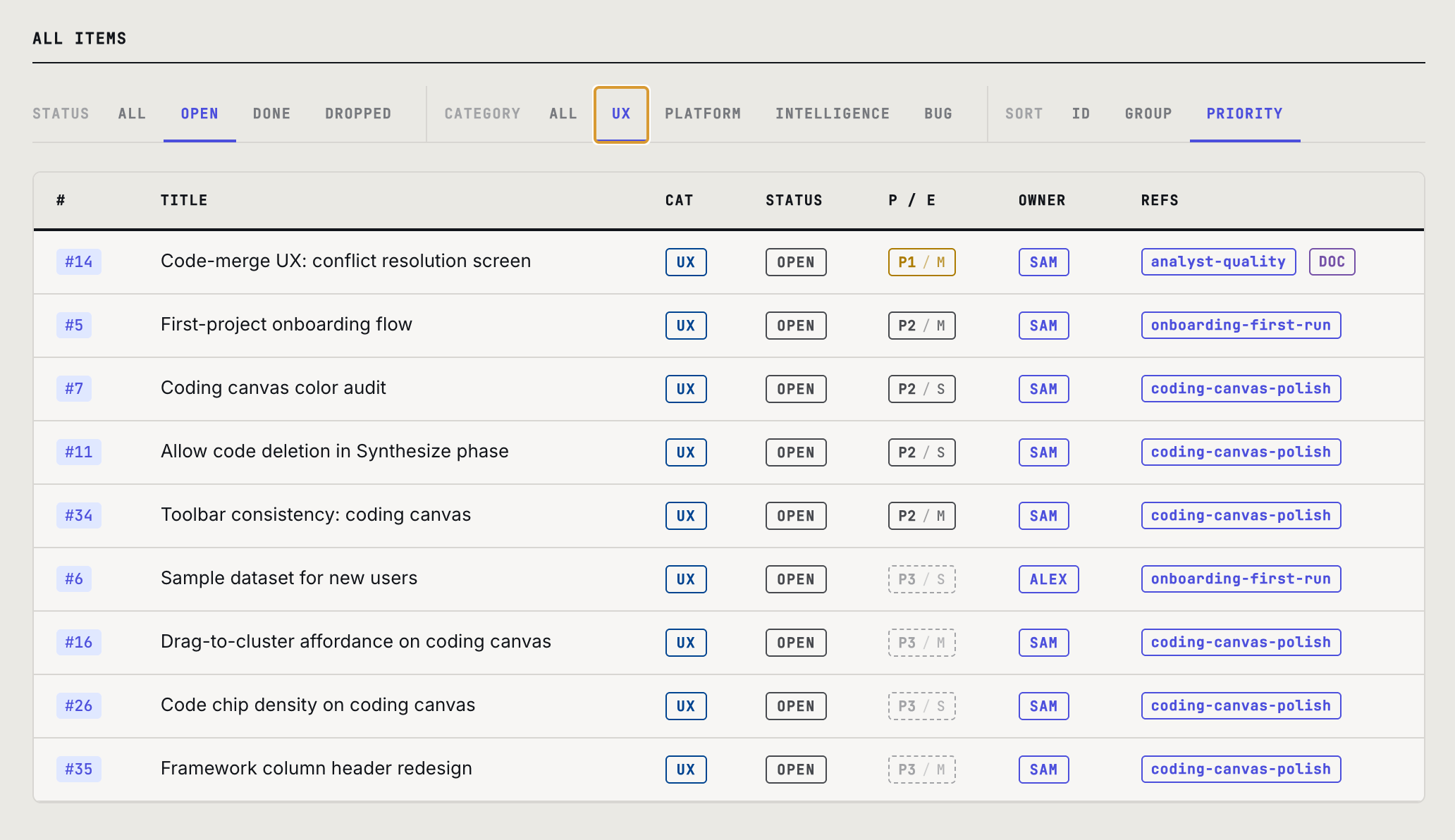
We built a working example: a complete project dashboard as a single HTML file. It holds the project brief, workflow phases, backlog, design documents, and team roster, all in one page, all linked. Click any backlog item to read its note or full design doc without leaving the page. Filter and sort by status, category, or group.
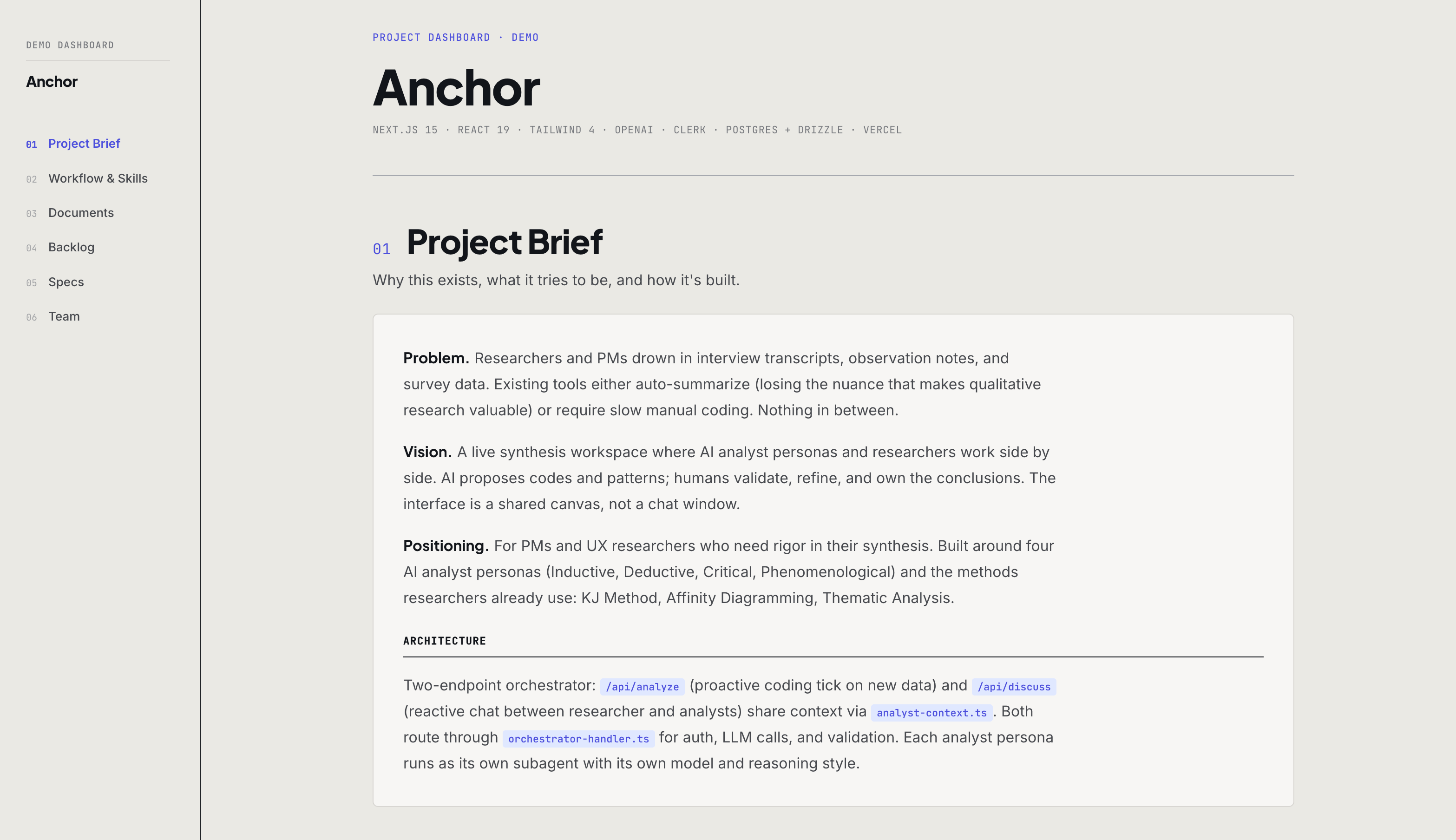
The backlog is a JSON file: one object per item, with fields for description, status, priority, owner, and references to design documents. Groups are first-class objects too, each with their own description, status, and a PM recommendation for what to work on next. The documents are Markdown, pre-rendered into the HTML so they read inline. No tab-switching, no separate tool, no context loss. It runs with no build step, no database, and no subscription.
The structure is intentional rather than novel. Most developer workflows already follow some version of this pattern: a README in Markdown, a package.json for structured data, a docs site for humans. What's different here is naming the principle clearly enough to apply it to any team's knowledge, not just code.
Keeping it up to date
The HTML file is a view. It doesn't need to be touched directly.
When a backlog item ships, a decision gets made, or a team member joins, the update goes into the source files: the JSON or the relevant Markdown document. There's no dashboard configuration to manage, no permission settings to adjust, no system to log into.
In practice, this is often as simple as asking Claude: "Mark item 14 as done and add a note with the architectural decision we made today." The agent reads the current files, makes the change, and regenerates the HTML. The team member who needed the update never had to touch a file. The team member who wanted to make the update never had to learn a new tool.
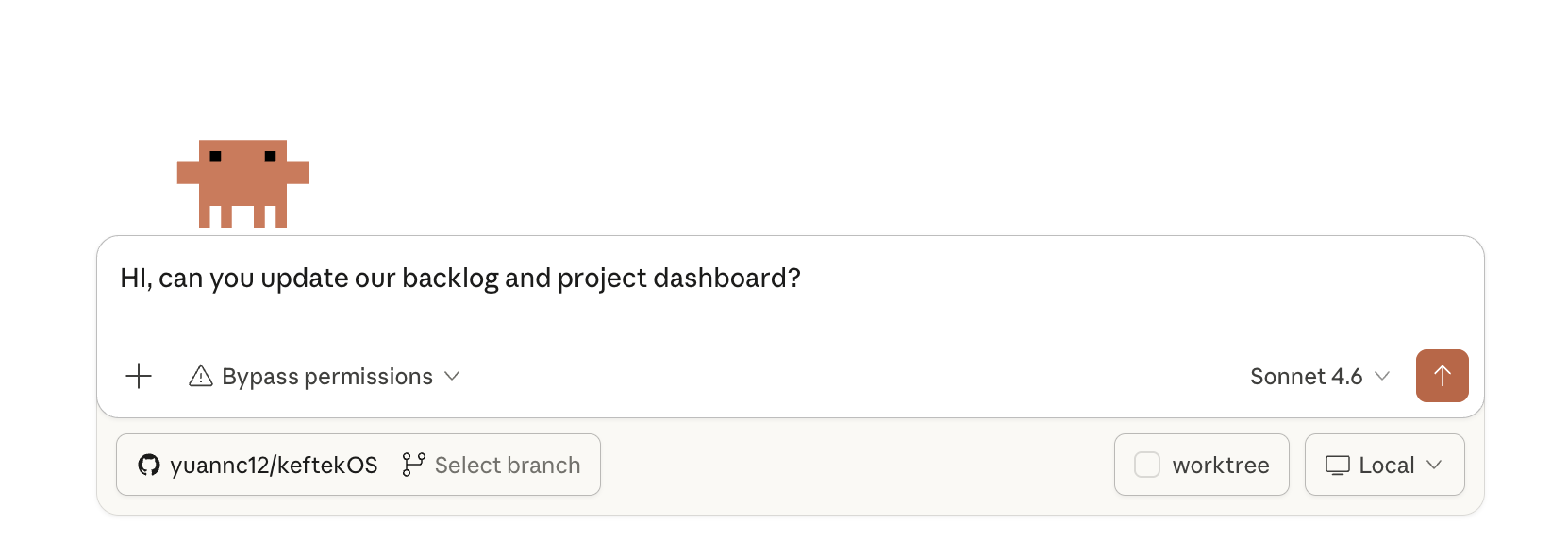
This is what makes the format choice matter beyond convenience. Because the knowledge lives in plain text files the agent can read and write, maintaining the dashboard uses the same workflow as everything else on an AI-native team: describe what needs to change, let the agent do it, review the result.
How to start
We've documented the full methodology inside the demo itself. Open the dashboard demo, go to the Documents section, and find the methodology guide. It covers every design decision: the three-tier context model, how backlog groups work, the complete file structure. It also includes a prompt you can hand to a Claude session to build the same dashboard for your own project.
The template is yours to adapt. Start with what your team needs to know, not with what the tool makes easy.